 Schedule Operator
For leaders whose hour is worth more than an app
Buy back your week.
A system and an operator that plan the week around your real hours, send each task to the right person and hold every owner to a date – so that your hours go to the decisions only you can make.
Click a block to pin it where it is.
Something always happens. Try one:
Operator's log
- 08:55 planned 7 tasks around 5 meetings
80 seconds
A week that runs itself, from the inside.
The price of cheap
Cheap tools are the expensive option.
A twelve-euro app does not plan your week. It waits for you to do it. So you become the planner, the reminder, the chaser and the glue between five tabs – at your own hourly rate. The most expensive person in the company, doing the cheapest work in it.
A week without a system
- Monday you plan. Tuesday the plan breaks, and you plan again.
- “Who's on this?” – and the answer is a meeting.
- A deadline slips quietly. You hear it from the client.
- Ten e-mails to find thirty minutes.
- Hours worked, never billed.
- Every decision waits for you, because everything waits for you.
The same week, run
- Tuesday breaks the plan. Autopilot puts it back before you are out of the meeting.
- Assignment rules give the work an owner the moment it lands.
- “Does not fit” shows days ahead, with the ways out next to it.
- One link that knows your rules, your caps and your prices.
- Timers that end up on the invoice, each period once.
- The team knows what is next without asking. You decide what only you can.
Every week without a system costs the same hours again. They do not come back.
See what it costs youWhat you are actually buying
Hours back
The planning, the moving and the chasing leave your week – so that the hours go to the work and the people that grow the business.
A quieter head
Nothing lives in your memory any more: every task has a time, an owner and a date – so that you stop carrying the company around in your head at night.
Always the next step
Everyone opens their day and sees the three that matter, in order – so that nobody waits for you to tell them what to do.
Real accountability
Owners, dates, approvals and a health score on every project – so that “I didn't know” stops being an answer.
Work that finds its person
Assignment rules route work by role, by name or to the best candidate with room – so that you stop being the dispatcher.
An assistant inside the calendar
It reads your calendar, the team's calendar and the work, writes the drafts and proposes the changes as cards – so that the assistant knows as much as you do.
Proof
See your own week, finished.
The real app with example workspaces for each kind of business. Open one and press around: no sign-in, and nothing you do is saved.
Board pack, cash forecast and the acquisition on one week, with every company's promises in sight.
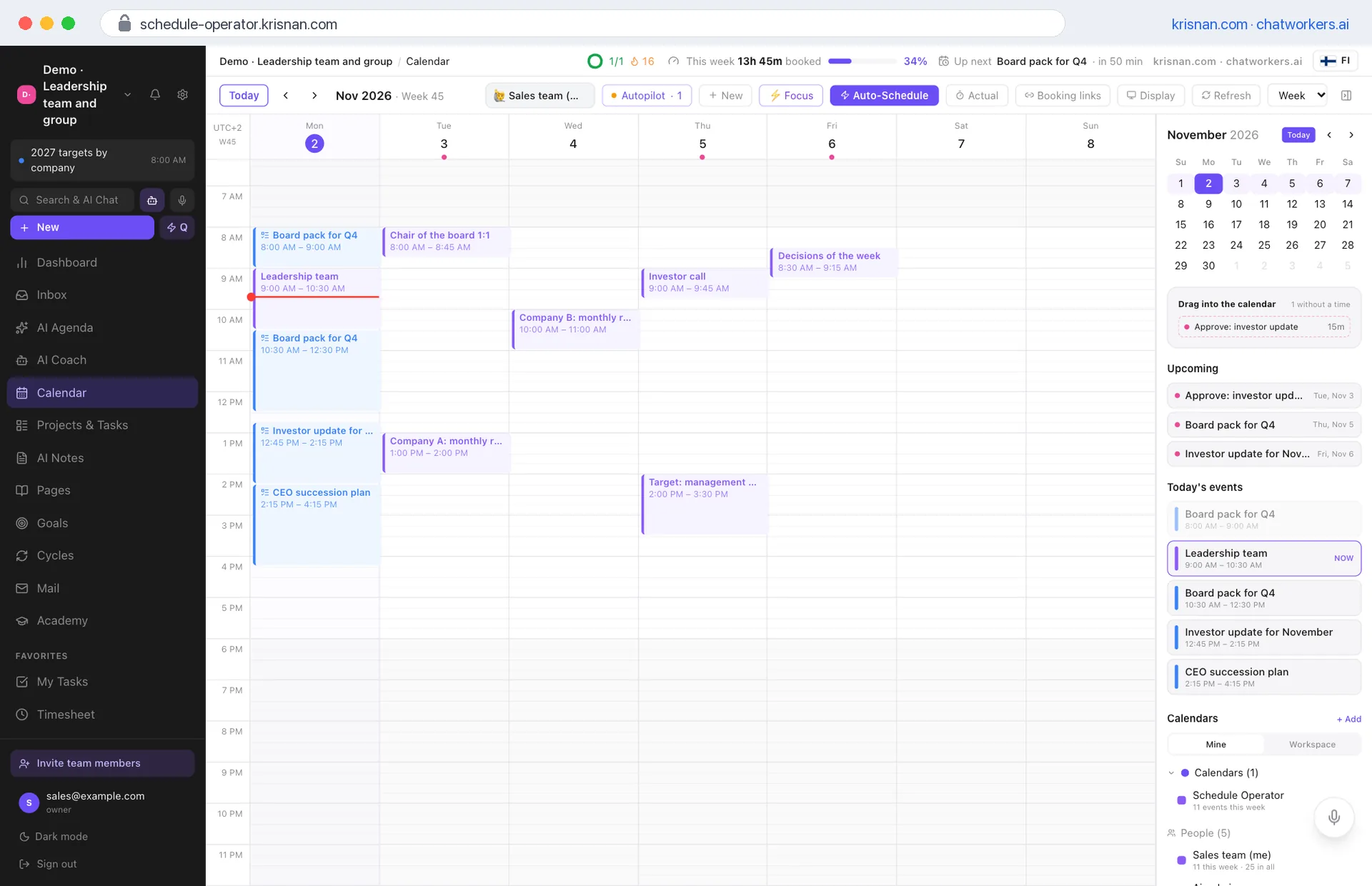
What should stop costing you hours?
Who this is for
For leaders who can afford to buy their time back – and cannot afford not to.
Founders, partners and leadership teams whose hour is worth a lot, and for whom one missed deadline or one lost week costs more than a year of this. We often get asked whether this is just another calendar app. It is the opposite: the app is the part you never have to think about.
- Your hour is worth €150 or more, and too many of them go on the week itself.
- The team waits for you to say who does what, and when.
- You have tried the cheap tools. They became five more things to run.
- You bill hours, and some of them never reach an invoice.
Not for you if the week is calm, the team small and the hours cheap – a free calendar is enough then, and we would rather say so now.
Four moments from an ordinary week
Mon 08:55
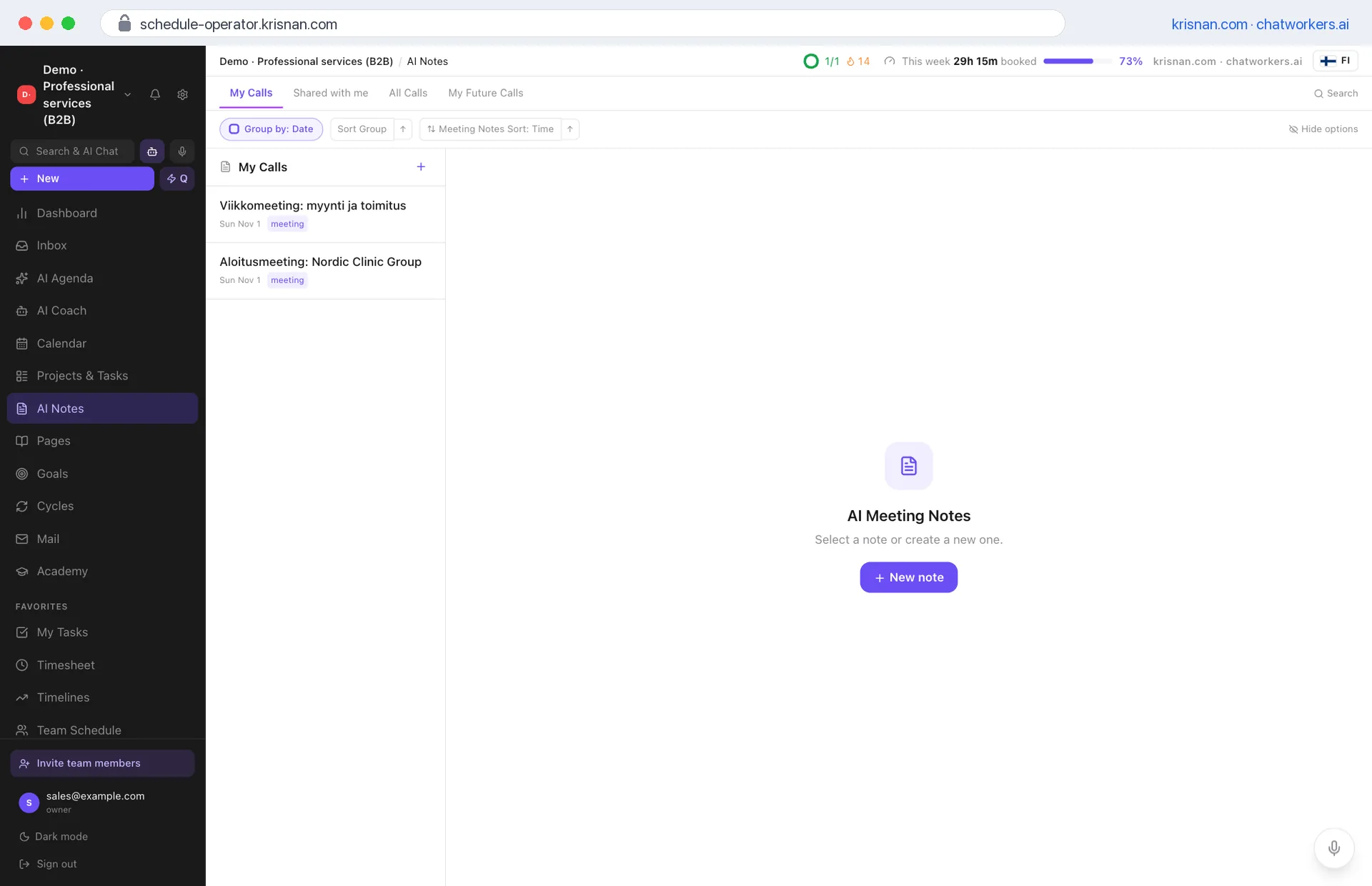
"Plan my day." The coach reads your tasks and calendar, picks the three that matter most and proposes times. You accept the cards.
Tue 11:04
The client call ran over. The preview shows which blocks would move. One press and it is done, one more if you disagree.
Thu 16:30
A new client wants a call. They answer two questions on your link, pick a time your daily cap allows, and can move it themselves later.
Month-end
Tracked hours and the monthly retainer become one invoice. Each period goes on one invoice and no more.
Where the work falls between tools
- Tasks
- A scored list, with a time for each task
- Projects
- Every project carries a health score
- Docs
- Pages where a checklist line is a real task
- Calendar
- A plan inside your hours, with the breaks you set
- Meetings
- One press pulls them out of the notes
- Search
- Cmd+K, and a coach that shows what it read
- Workflows
- Templates that start the project for the next hire or client
- Busywork
- Drafts, briefs and page agents you can switch off
- Booking
- A link with rules, prices and a waiting list
- Time
- Timers that end up on an invoice
- Goals
- Key results with check-ins, next to the work
- Switching
- Import, and it keeps syncing while you decide
- Onboarding
- An academy that ticks off from real use
- AI
- Tools you switch on one by one, with undo
See it move
Planner
Know what comes first, and when it actually fits
08:55 scored 24 tasks · 3 missing a rating left blank
More about planner →Rate readiness, impact, cost and effort. The score sets the order, and a missing rating stays blank instead of a guess.
→ so that you stop re-deciding the order every morning
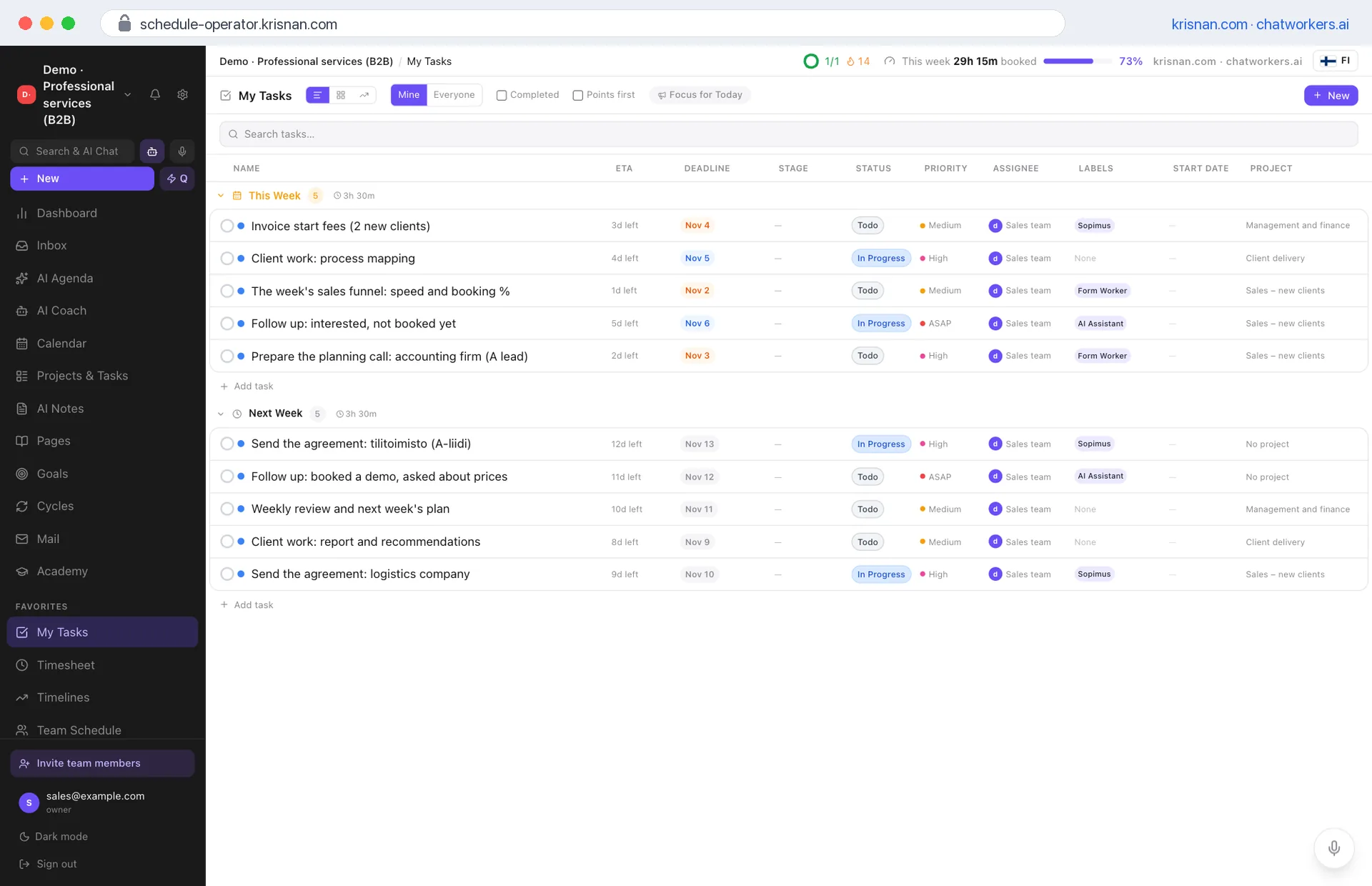
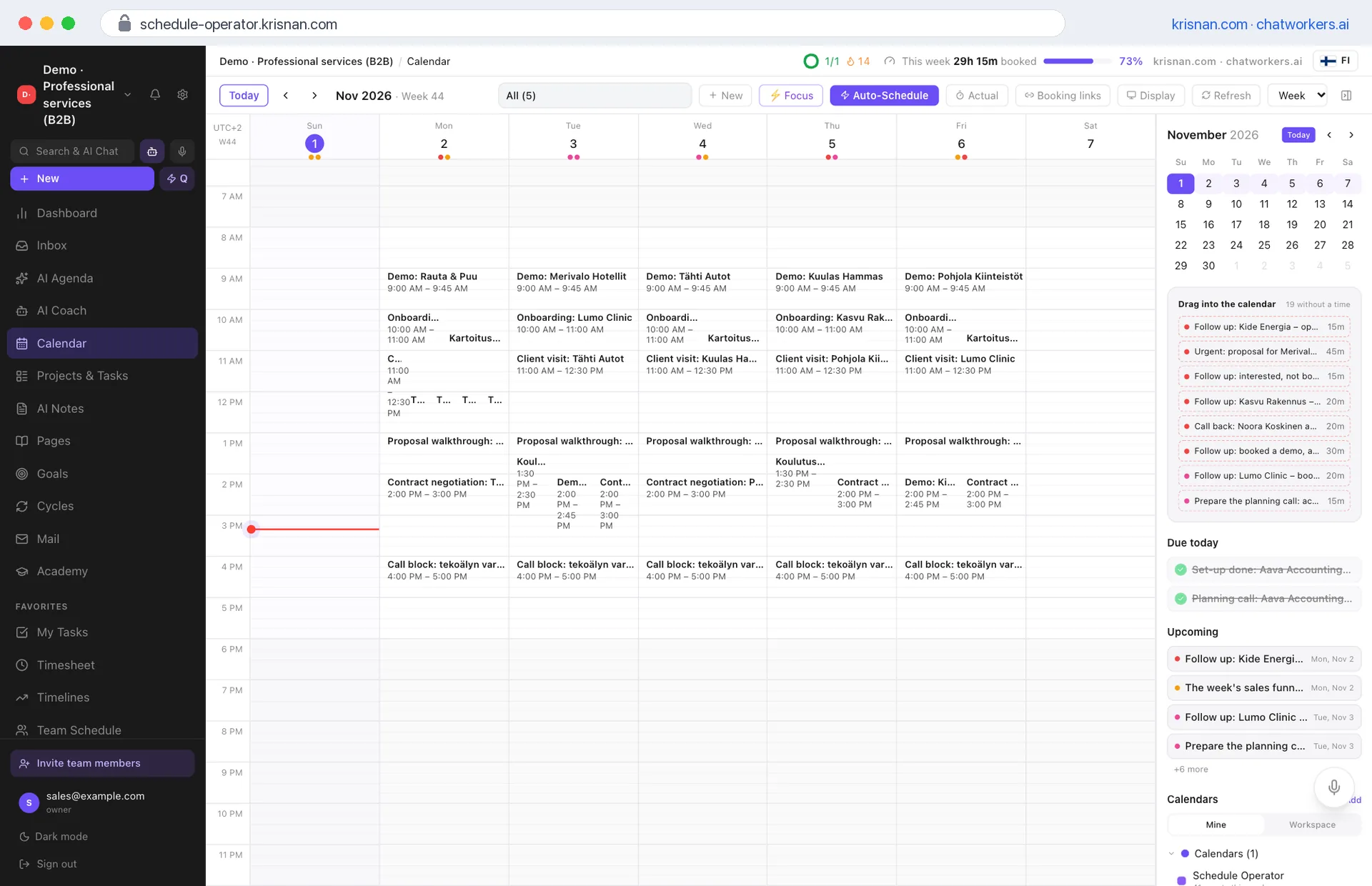
Calendar
A week that puts itself back on plan
11:04 moved "Client proposal" → Thu 13:00 · client call ran over · undo
More about calendar →The preview lists every block it would place and what does not fit. Press once to put them on the calendar, once more to take that run back.
→ so that you stay in control while the week rearranges itself
Projects
Projects that report on themselves
14:20 "Website relaunch" on track → at risk · 2 tasks slipped
More about projects →Tell the coach what the project is. It proposes the project and its tasks as cards, and nothing exists until you accept. Or start from a template or a CSV.
→ so that a new project runs in minutes, not after a planning day
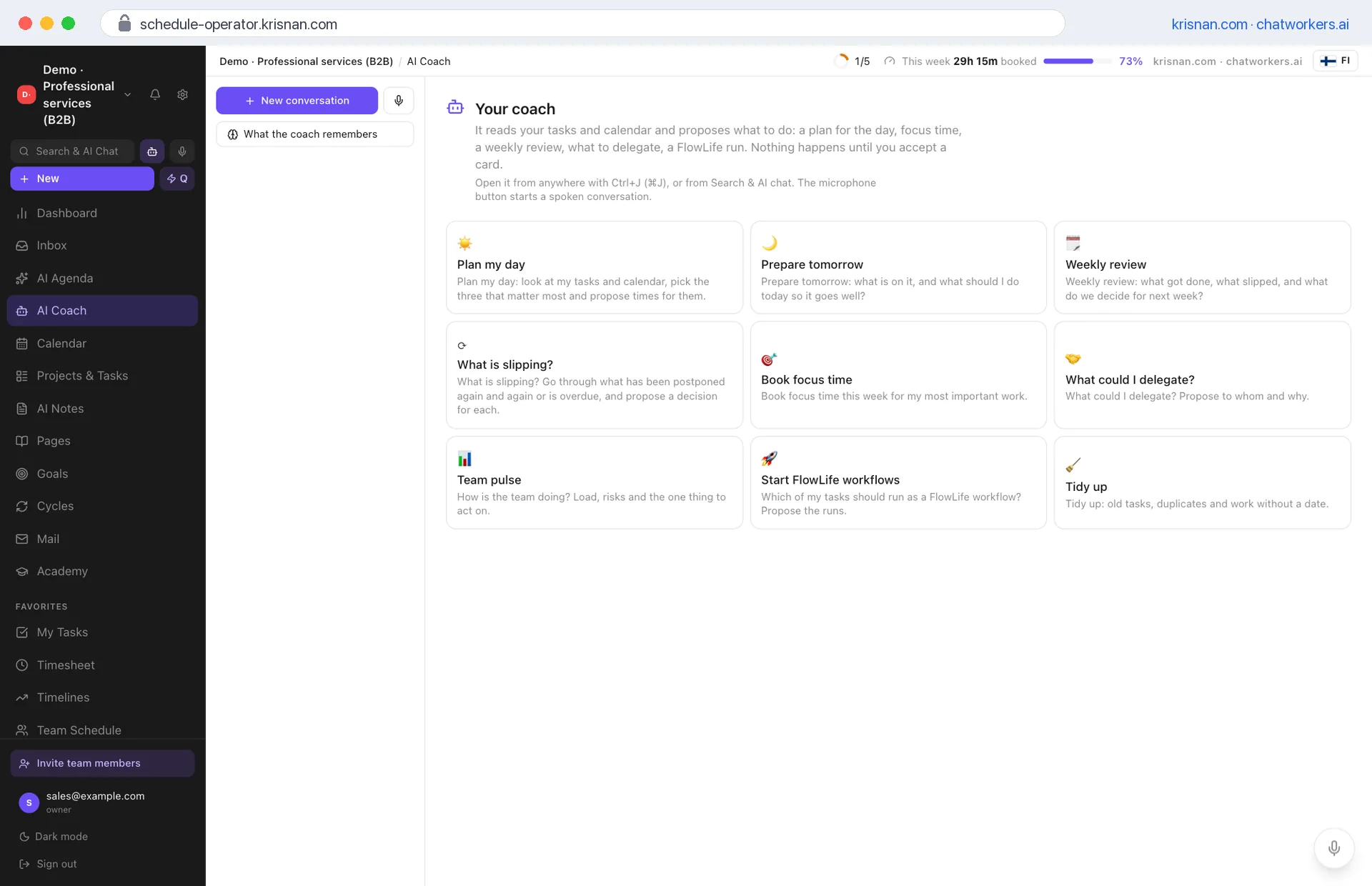
AI coach
Ask it about your week, then see what it wants to change
09:02 read 14 tasks, 6 events · proposed 3 cards · waiting for you
More about ai coach →It reads your tasks, calendar, projects and pages with your own rights, and remembers short facts about how you work.
→ so that you stop explaining your own company to an AI
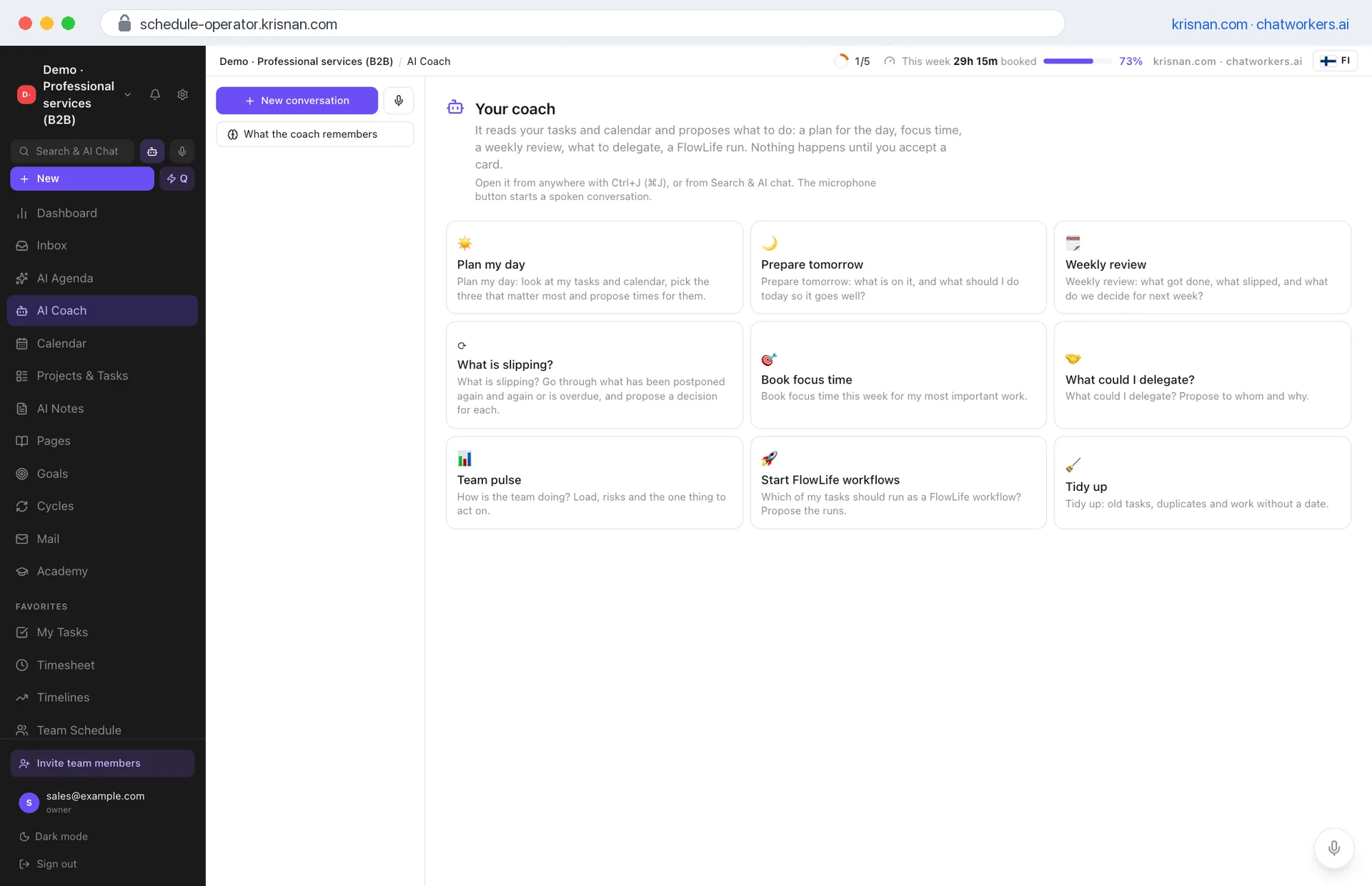
Booking
A booking page that runs a small front desk
16:30 Demo Co booked Thu 10:00 · daily cap has 1 left · reminder set
More about booking →Set hours, durations, a daily cap and time away. Guests only see times that pass, and the assistant can tell you why a day shows none.
→ so that your best hours stay yours
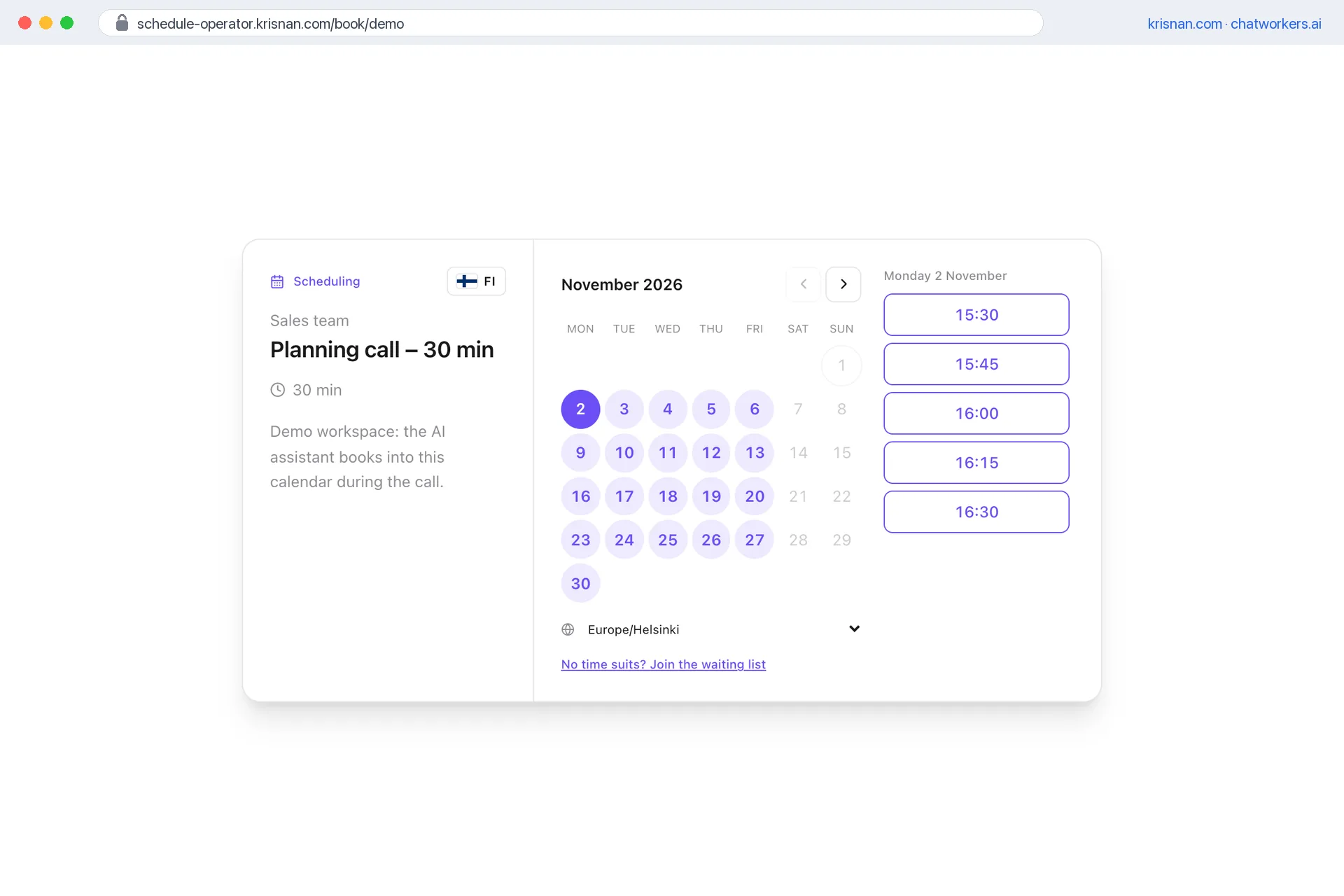
Pages
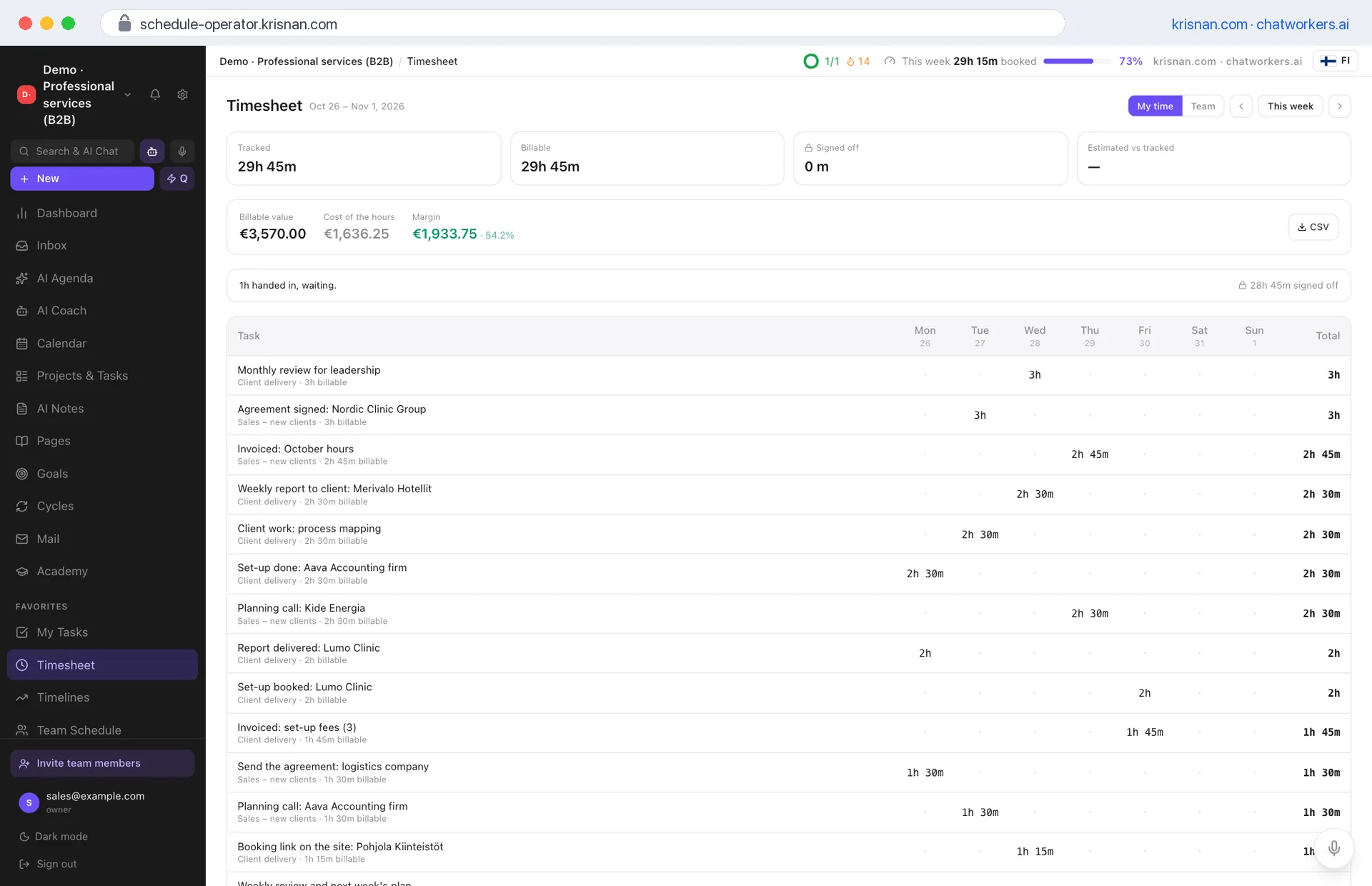
Write the why next to the work
10:12 "Send contract" became a task · the tick follows it
More about pages →Turn lines into tasks. The tick follows the task, wherever it gets finished.
→ so that a plan written down is a plan that gets done
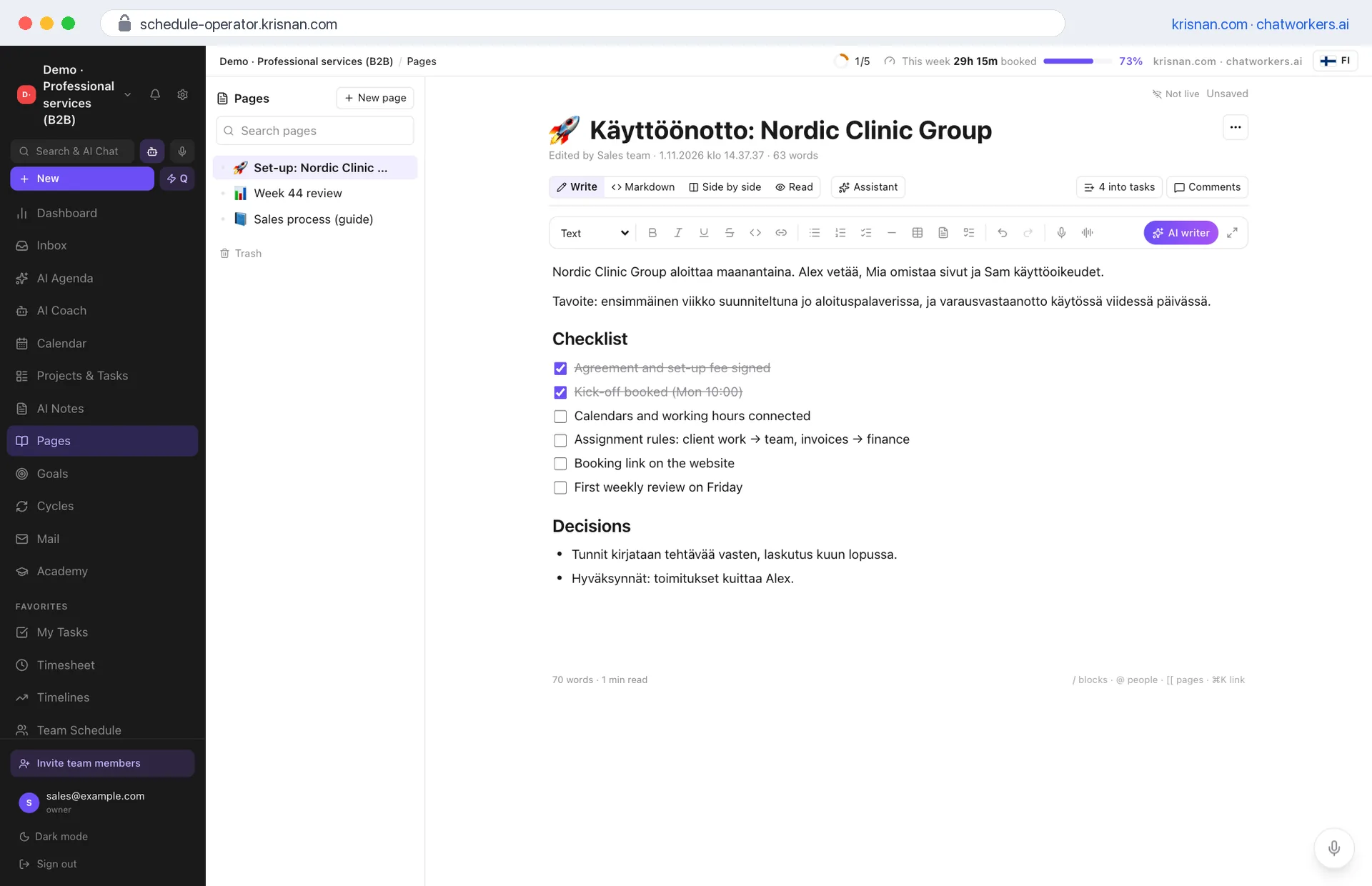
Meetings
Notes that turn into work
15:01 pulled 4 action items out of "Weekly sync"
More about meetings →Write or dictate during the call. One press pulls the action items out of the notes.
→ so that what was agreed still exists after the call
Workflows
A process people actually follow
09:40 template started for new hire · 9 tasks · 3 people
More about workflows →Write the SOP as a page, turn its lines into tasks, save the project as a template, and start it again for the next hire or client.
→ so that the next client or hire starts the same good way, without you
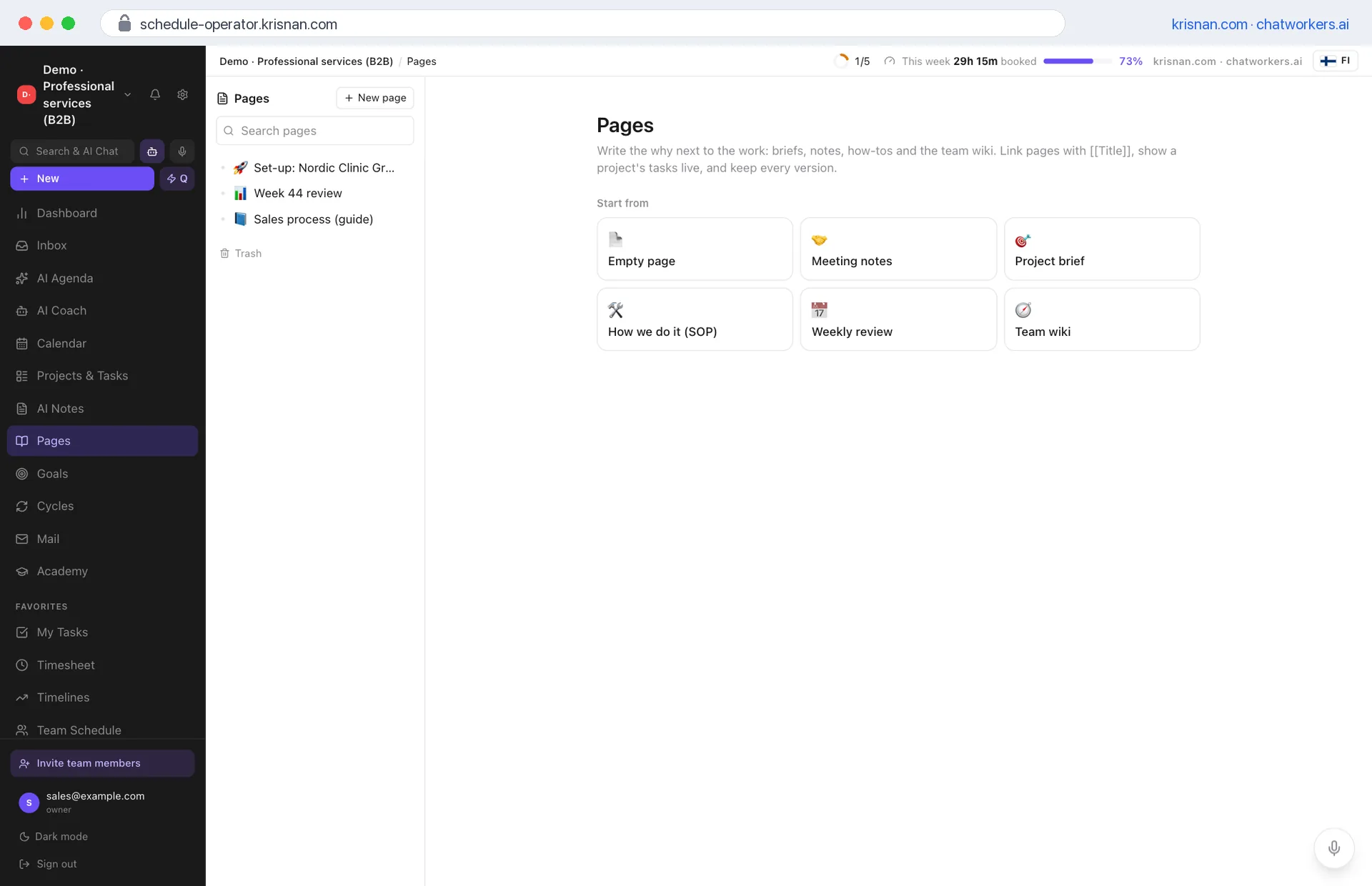
On track, at risk, critical or idle across every project, with score and pace.
→ so that your attention goes where the risk is
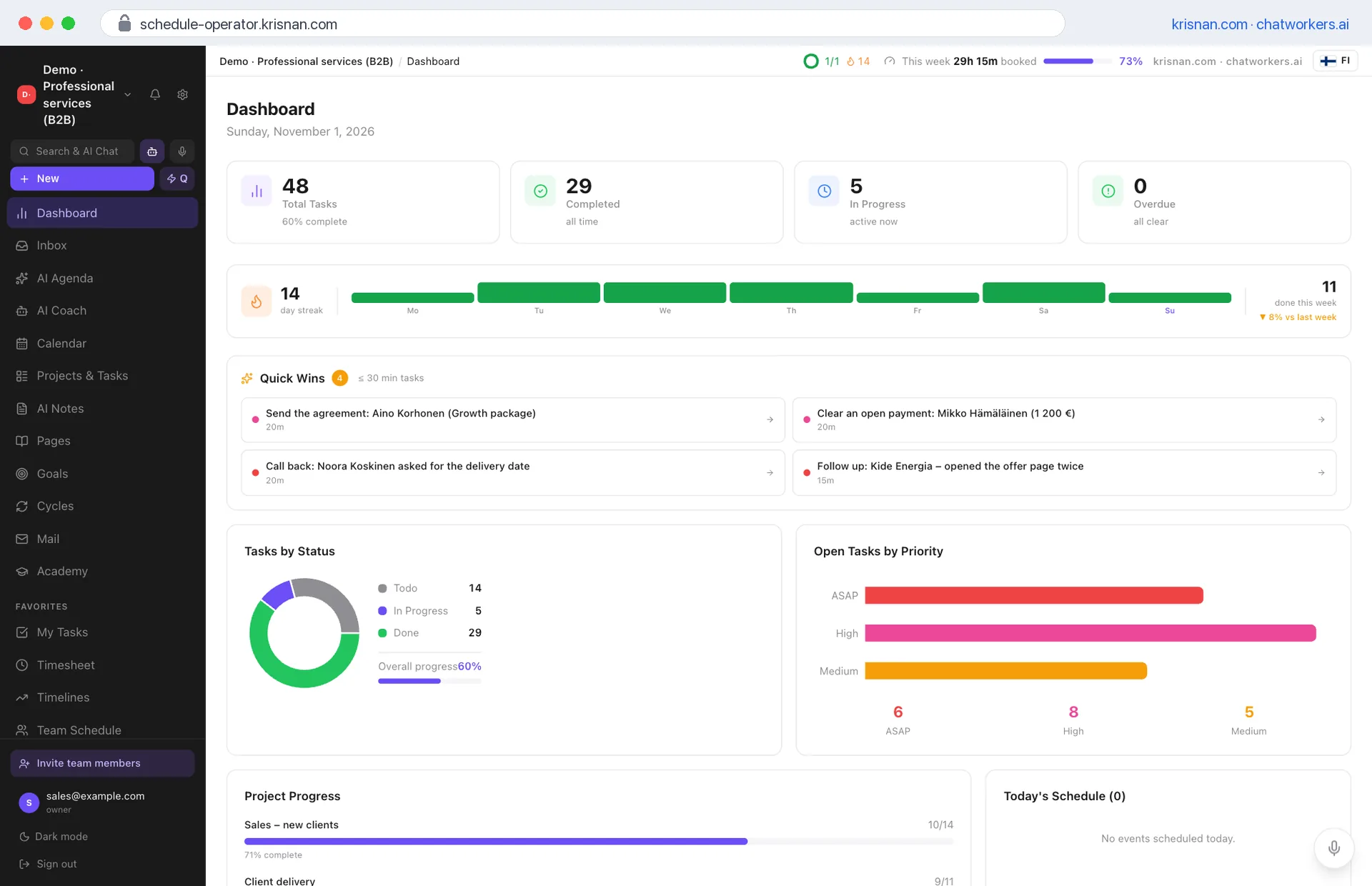
Time & invoices
From tracked hour to invoice
17:05 38.5 h + 1 retainer → invoice draft · each period once
More about time & invoices →Track against a task, sign hours off, and compare estimate with reality.
→ so that every hour worked is an hour you can bill
Mail & Slack
Answer from where the work is
08:00 morning brief posted to #team · 3 alerts gathered
More about mail & slack →Inbox, quick replies, AI drafts, and sending behind a cancel window.
→ so that answering e-mail stops being a separate job
Demo Co/InboxInbox
- Demo CoQuestion about the kickoffThanks & confirmationAsk for detailsTell the timeline
AI draft ready · Sending in 0:20 · Cancel
Inbox
- Demo CoQuestion about the kickoffThanks & confirmationAsk for detailsTell the timeline
AI draft ready · Sending in 0:20 · Cancel
The operator
Not an app. A system, and the people who run it.
Software on its own saves minutes and waits for someone to drive it. The operator is that someone: the set-up is done with you, the first week is planned in the first meeting, and the rhythm holds because a person holds it.
In Personal and Team Operator the operator sets it up and reviews it with you every week. In Operator Office a named operator runs the week with you, every day.
How the operator service worksA week with the operator
- Mon 08:30The week is planned around real hours. What does not fit is named, with the ways out.
- Daily 08:45The morning replan, and every owner knows their three.
- Before meetingsStatus, deadlines at risk and the decisions needed, on one page.
- After meetingsAction items with owners and dates – and the follow-up until they are done.
- FridayThe week in review for leadership: done, slipped, moving on, hours to bill.
Agents
Your own agents can run it too
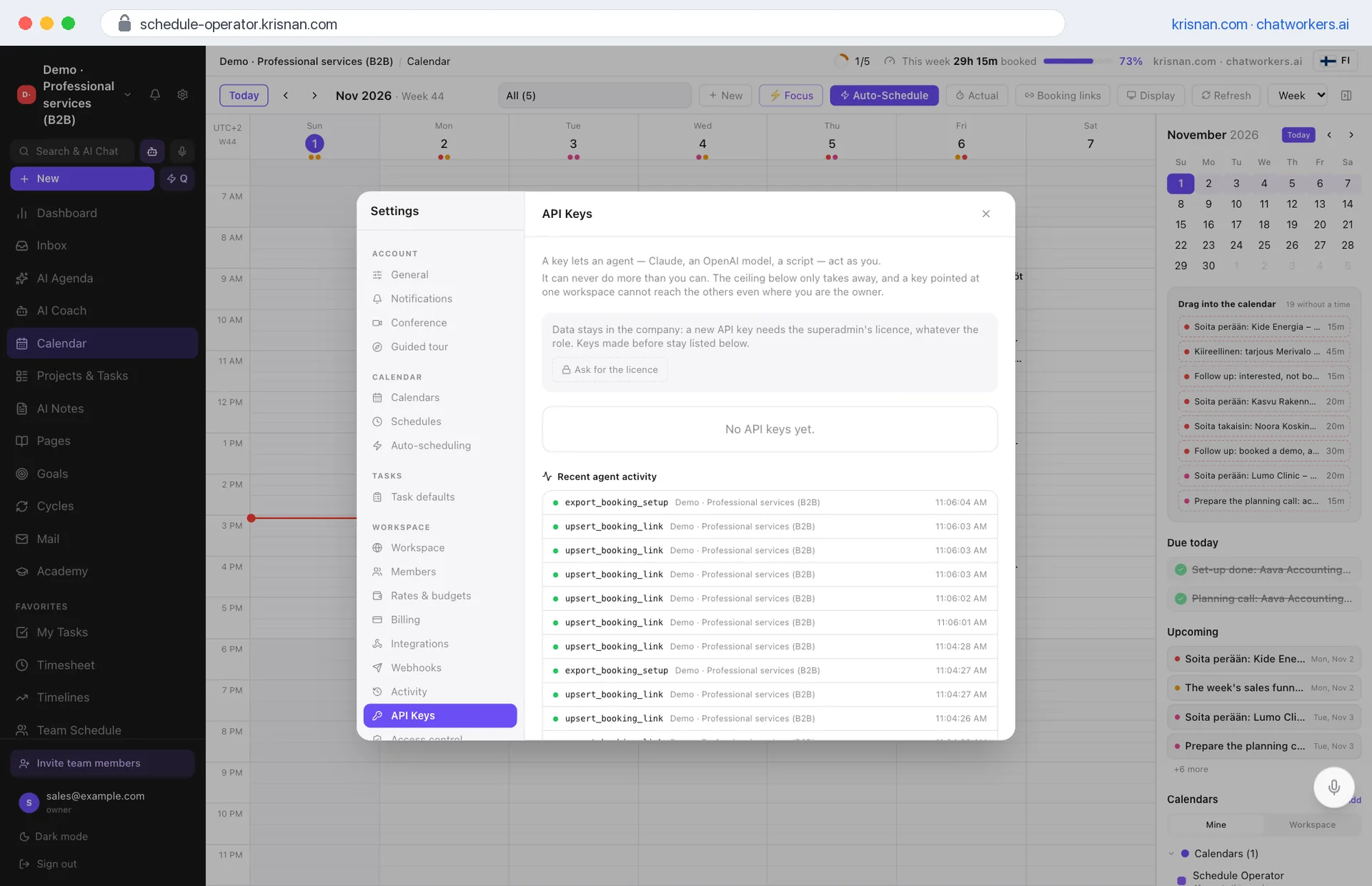
13:37 agent changed 2 tasks · listed · undo
Over 150 tools through an MCP server and a plain API. Keys are shown once and can be tagged to one place. What agents change is listed, and each change can be taken back – so that your own agents can plan, book and report, and you can take back anything they did.
A job for every desk
Project manager
Plans the week, watches project health, says what does not fit.
Executive assistant
Plan my day, focus time, the morning brief, draft replies.
Sales desk
Booking links, routing forms, follow-ups and no-show marks.
Support desk
Drafts mail answers and replies in the Slack channel, with you as the last step.
Marketing
Writes pages in your workspace's voice.
Researcher
Searches your pages, tasks and connected apps, and shows what it read.
Your own
Give a page agent a job and a schedule, or connect the agent you already have.
Every tool does a piece. This does the week.
Motion's planning, ClickUp's and Asana's projects, Calendly's bookings, Notion's pages and the notetaker's meetings, in one place and one price, with someone who answers for it.
| Schedule Operator | AI calendar app | Project tool | Booking links | An assistant | |
|---|---|---|---|---|---|
| The week replans itself, and you can take it back | |||||
| Work goes to the right person by rules | |||||
| Owners are asked before the date passes | |||||
| Meetings end as tasks with owners, with no bot in the call | |||||
| Booking desk with prices, routing and a waiting list | |||||
| Tracked hours become invoices | |||||
| One press brings your work over, with a two-way bridge | |||||
| Your own agents, with undo | |||||
| A person who runs it with you | |||||
| Finnish and English throughout |
Tool by tool, and how to move: Motion · ClickUp · Asana · monday.com · Notion · Calendly · Reclaim
Less to hold in your head
A cheap tool saves money on the invoice and spends it in your head. These are the questions that leave.
What should I do now?
The next block is already in the calendar.
Did anyone follow up on that?
The system asked on Monday, and the answer is on the task.
Will this fit before Friday?
If it does not, you hear it today, with the ways out.
Who was supposed to do that?
Every action left the meeting with an owner and a date.
Where did the week go?
Time returned and promises kept, on one screen.
What is waiting for me?
One list. When it is empty, you are done.
One press brings it over. A bridge keeps both alive.
Moving is the reason teams stay with a tool they have outgrown. Here it takes one sitting, nobody does the work twice, and you can stop whenever you like.
1
Move everything
Press once. Projects, tasks, owners, dates, fields and comments arrive as a snapshot you preview before anything is written.
2
Run both while you move
Open the bridge. A task changed here changes there, and a task changed there comes here, so the team moves at its own pace.
3
Steer it from here
Tell the coach what to do. It works here, the bridge carries it there, and the old tool stays right without anyone opening it.
Your numbers
Work it out with your own numbers.
Three calculators, formulas open. The price is never a list: it is a share of what this gives back to you, and the recommendation is the biggest package whose first year stays under 30% of that – so you always keep at least 70%.
Recommended for you
Team Operator
€2,490 / month + €6,900
- First year
- €36,780 · 29 % of a year's value
- You keep a month
- €7,548
- The set-up fee is back in
- 25 days
Your numbers travel to the form; the assistant calls only if you ask it to.
The starting values are estimates for this kind of business, not measurements. Change any number to your own – the formula is shown under every line.
Packages
Priced from what it gives back.
Every package includes the whole app. What grows is how much of the running we take off you.
Personal Operator
A founder, partner or executive who is the bottleneck of their own week.
€990 / month
+ €2,900 set-up · first year €14,780
- Tasks, calendar, booking pages, pages and the AI coach in one workspace
- Set-up with you: calendars, working hours, priorities and your current tasks moved in
- The week planned around real hours, and Autopilot keeps it there
- A booking front desk on one link
- A 30-minute operator review every week for the first three months
Team Operator
A team of up to 15 that should run without the founder asking around.
from €2,490 / month
+ €6,900 set-up · first year €36,780
- Everything in Personal Operator for the whole team (up to 15 people)
- Team calendar, capacity and assignment rules – work goes to the right person by itself
- Goals, cycles, milestones and approvals – every task has an owner and a date
- Meeting notes with action items and pages where a line is a task
- Hours to invoice: tracking, rates and invoices
- A weekly report for leadership and a teammate in Slack
Operator Office, done for you
Leaders who would rather not run the system at all – a named operator does it with you.
from €4,900 / month
+ €14,900 set-up · first year €73,700
- Everything in Team Operator
- A named operator runs the week with you: the morning replan, chasing owners, meeting prep and recaps
- Agents and automations built for your process (API · MCP)
- A monthly leadership review and a quarterly process audit
- Priority support the same weekday
Group
Owners of three or more companies who want one view of all of them.
€9,900 / month
+ €24,900 set-up · first year €143,700
- Everything in Operator Office across several companies
- One view of every company's people, projects and capacity
- Each company gets its own workspace, rules and booking desk
- A new company live within a week
- A quarterly strategy review with the leadership
- The price is worked out from your value – you always keep at least 70%.
- A three-month start-up period, then month by month.
- Set-up guarantee: if the workspace is not live within 14 days for a reason on our side, the set-up fee is refunded.
- Time guarantee: if the app's own Time returned figure does not show at least 4 hours a week per leader after 90 days, the operator keeps working free of charge until it does.
- Prices exclude VAT. Card, bank transfer or PayPal.
Add-ons
- A time audit and plan, credited in full if you start within 30 days€1,900 one-off
- A move with years of history, the bridge and the switch-off done for you€1,900 one-off
- An extra company or workspace€490 / month
- An extra team (15 people)€990 / month
- An agent, integration or custom work€150 / h
Why one system beats ten cheap tabs
One window
Tasks, calendar, pages, bookings, hours and mail, without the tab hunt.
Shared context
The AI reads the same work you do, so you spend less time explaining it.
Models you can see
Models from several AI labs, with the price of each in plain sight.
Your switches
Each AI tool is on or off, per workspace and per person.
Move in with one press
One press brings the work across, and a bridge keeps both tools up to date, both ways, while the team moves. Nobody stops working and nobody does the work twice.
- Unchanged stays as it was.
- What you changed here wins.
- What you deleted here does not come back.
- Closing the bridge keeps everything here.
What it replaces

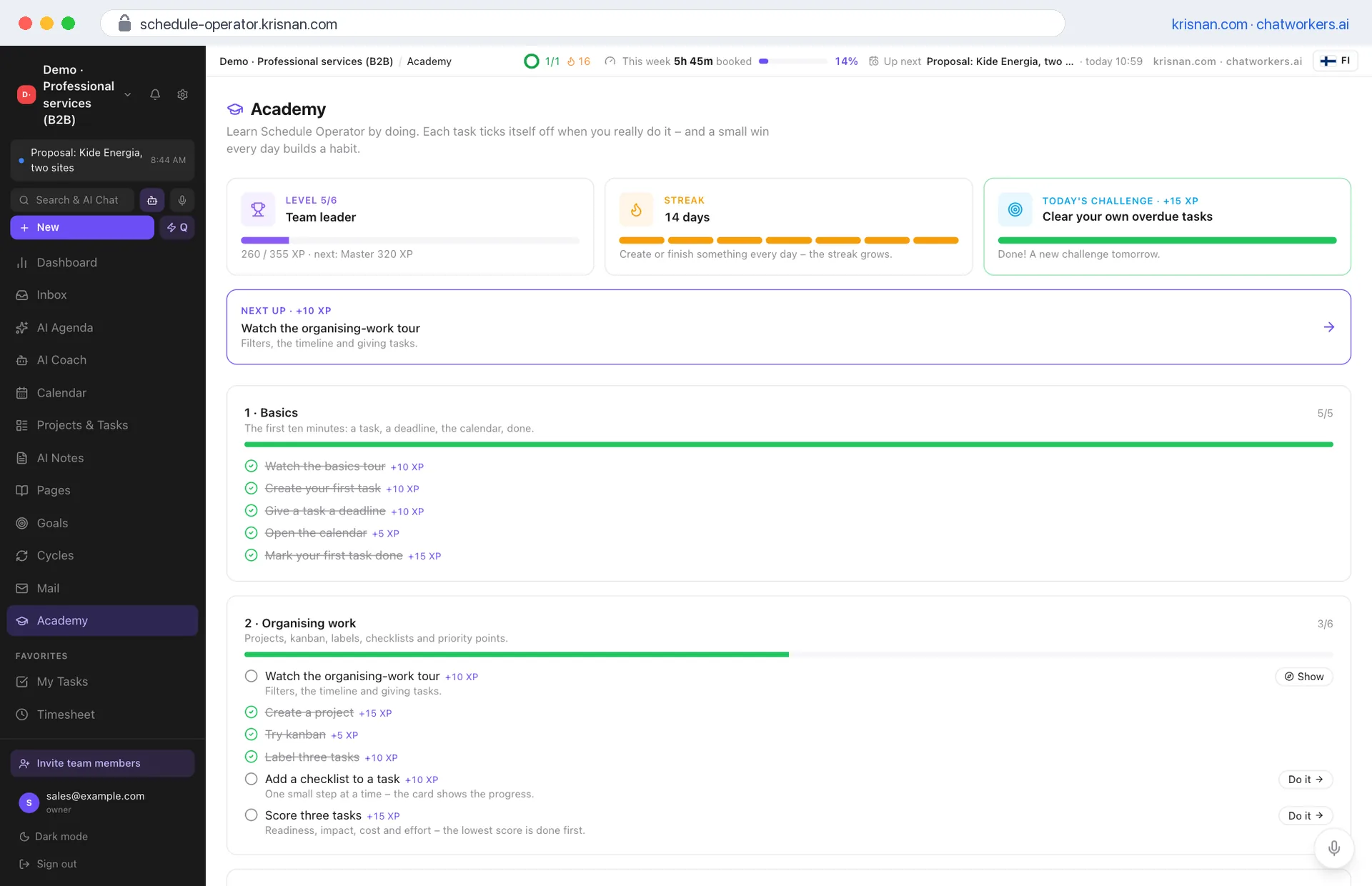
Your team learns it by using it
A learning path inside the app. Tasks tick themselves off from real work, so nobody can click through it. XP, levels from Beginner to Master, a streak, a daily challenge, and tours that point at the real buttons.
On your desk and in your pocket
The full app works in a phone browser, with its own tab bar and dictation for the walk between meetings. It installs on your phone and computer with its own icon and window, anything you share from another app becomes a task, and you can talk to the assistant. Finnish and English throughout.
My tasks · by score, lowest first
- Invoice run4.5 · due Tue
- Client proposal6.0 · due Fri
- Campaign brief7.5 · due Wed
- Onboarding page8.0 · due Thu
- Team check-ins
Client onboarding
Demo Co starts on Monday. Alex leads, Mia owns the pages.Mia
Kickoff in week one, first review in week two.
- Send contract
- Book kickoffAlex
- Share access
Saved · version 14 · Shared on the web
Connects to what you already use
Google Calendar
events both ways
Gmail
inbox and replies
Slack
a teammate in the channel
Webhooks
signed, in and out
API and MCP
for your own systems and agents
Zapier, Make, n8n
through webhooks
Outlook (Microsoft 365)
events both ways
iCloud and any calendar link
meetings in as busy time, your week out as a link
Zoom and Teams
your room link on every booking
HubSpot, Salesforce and the rest
through the API, webhooks and your agents
Who can do what is written down
Access levels
Guest, viewer, member, manager, owner. Each action checks the level.
AI per person
Assistants are on or off by workspace and by person. Voice starts off.
A trail for agents
What agents changed, and a way to take it back.
Keys shown once
Only a hash is stored, and tags limit where a key works.
Signed webhooks
Every delivery is signed and logged.
What leaves the company
Exports and printing follow the rules you set.
Same workspace, different Mondays
Tickets, projects and client calls on one plan.
- Signed webhooks turn other systems' events into tasks
- Team links for client calls
- Hours become invoices
Ask the coach:
Which client work is at risk this week?
Questions
Both, and that is the point. The app plans, books, assigns and invoices. The operator sets it up with you, keeps the rhythm and, in Operator Office, runs the week with you. Software alone saves minutes; a system someone runs gives back hours.
The next Tuesday is already on its way. Let it find you ready.
Thirty minutes, and your first week is planned in the call. If it does not fit you, you will hear it from us first.